
Add your Instagram feed to any Elementor page in a few clicks using the Inavii Social Feed widget.
What you need before you start #
- WordPress website with Elementor installed
- Inavii Social Feed plugin installed and activated
- At least one connected Instagram account
- At least one saved feed in Inavii
Open a page in Elementor
In WordPress, go to Pages or Posts. Open the page where you want to display your Instagram feed.Add the Inavii Social Feed widget
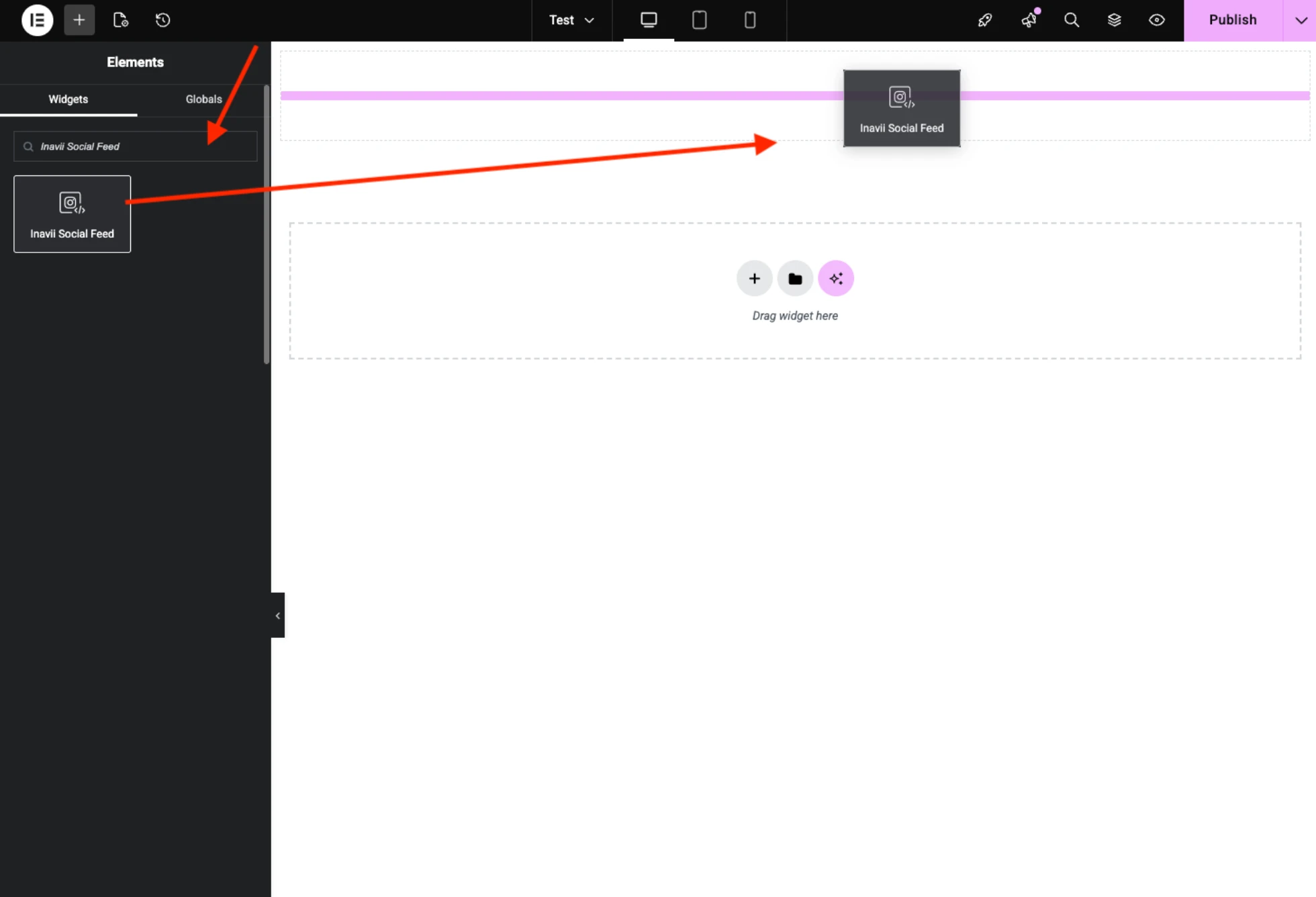
In the Elementor panel, search for Inavii Social Feed. Drag and drop the widget into your layout.
- Select the feed
In widget settings, choose your saved feed from the list. Click Update/Publish.

Important
The Elementor widget is used to select and display a feed. If you want to change design, layout, captions, click action, or behavior, edit the feed in:
Inavii Social Feed > Feeds.